Firmware engineers
Flash, debug and test on the real board from wherever you work, instead of waiting for your turn at the bench.

CoreUnit
CoreUnit gives your team remote access to a hardware-in-the-loop (HIL) test bench. It drives your debug probe and bench power supply, and talks to your board over UART, RS-485, CAN and GPIO. One cable to your network, reachable from the browser, your CI or an AI agent.
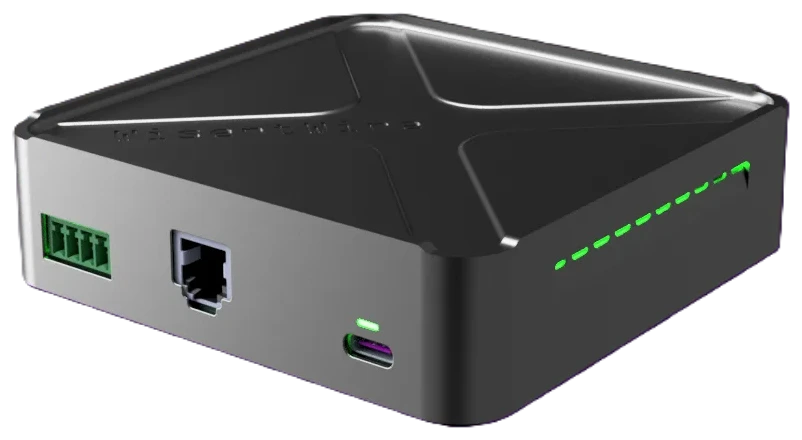
Most benches grow one adapter at a time: a USB hub, two serial dongles, a CAN interface and a power supply someone has to switch by hand. CoreUnit is one maintained appliance in their place: the same box on every bench, with the buses built in, so the board can be tested by anyone, from anywhere, at any hour.
For your debug probe, a USB-serial device and the board itself.
One cable to your network, and the bench is online.
UART with flow control, RS-485 and CAN.
Inputs and outputs for status pins, reset and boot lines.
A debug UART tells you the firmware booted. It does not tell you the board works on the bus it ships on. CoreUnit puts the real links next to the console, so your tests talk to the board the way the field will.
UART, with flow control. RTS and CTS keep fast links and bootloaders behaving exactly the way they do in production.
RS-485, with termination you switch. Test a node at the end of the line and one in the middle of it, without reaching for a jumper.
CAN, on the same box. Automotive, industrial and robotics firmware, tested over the bus it actually ships on.
No new lab to buy. The gear on your bench today stays there, and the whole team can use it from anywhere.
Plug in your J‑Link, ST‑LINK, CMSIS‑DAP or Atmel‑ICE.
Hook up your Rigol, Siglent or KORAD supply, and many more.
CoreUnit puts them both on the network.
Generic USB probes work too. Using something else? Ask us and we will check it.
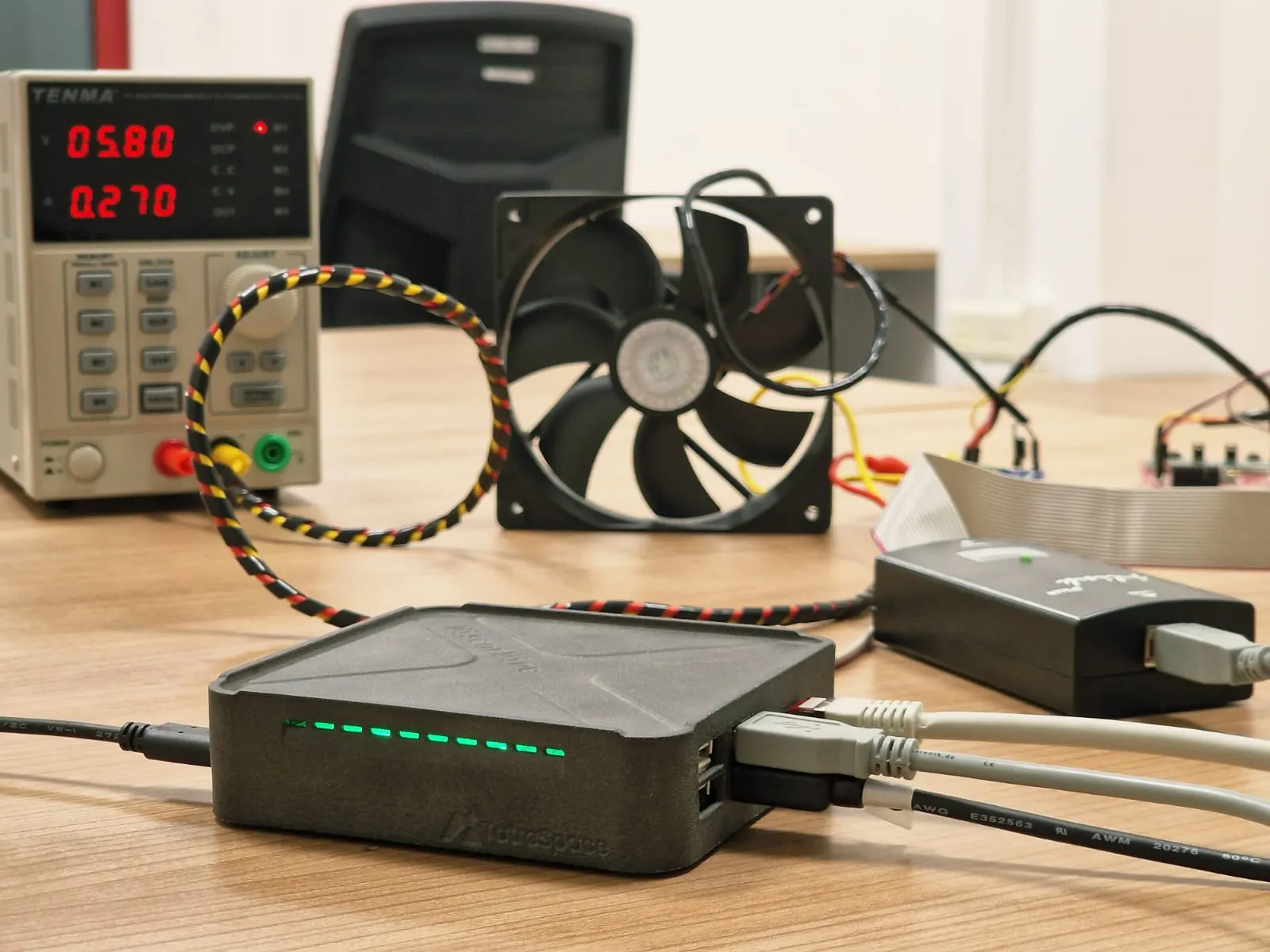
Keep the gear you trust. No new hardware to qualify and no toolchain to replace. The probe and the supply on your desk are the ones on the bench.
One bench, a whole team. Engineers book the unit instead of passing the probe around the office or posting it to another site.
Flash the exact build you test. A CI job flashes the binary it just built, so a result always belongs to a known commit.
Remote firmware flashing and reset, from the dashboard, a CI job or an AI agent.
Supported brands
 STM32
 AVR and SAM
 ESP32
 MSP430
 Cortex-M
 nRF52 and nRF53
 LPC and Kinetis
When a test fails, you do not need the board in your hands. Use remote GDB debugging through the probe on the bench, or read the firmware’s RTT log as it runs, from wherever you are.
A full GDB session, remotely. Load, set breakpoints, step, read registers and memory. Use the command line, VS Code or the IDE you already debug with.
RTT logs without a spare UART. Read printf-style output straight from target memory through the probe, fast and with minimal impact on timing.
Logs that stay with the run. RTT output is saved next to the serial log and the power trace, so a failed test comes with its own story.
The bugs that reach customers often start at power-up: a slow rail, a brown-out, a board that does not come back after a cut. Those are the tests nobody runs by hand twice. CoreUnit puts the bench supply under software control, so they run on every commit.
Switch it off. Switch it on. Cold-boot the board the way a customer would, as often as a test needs, without anyone in the lab.
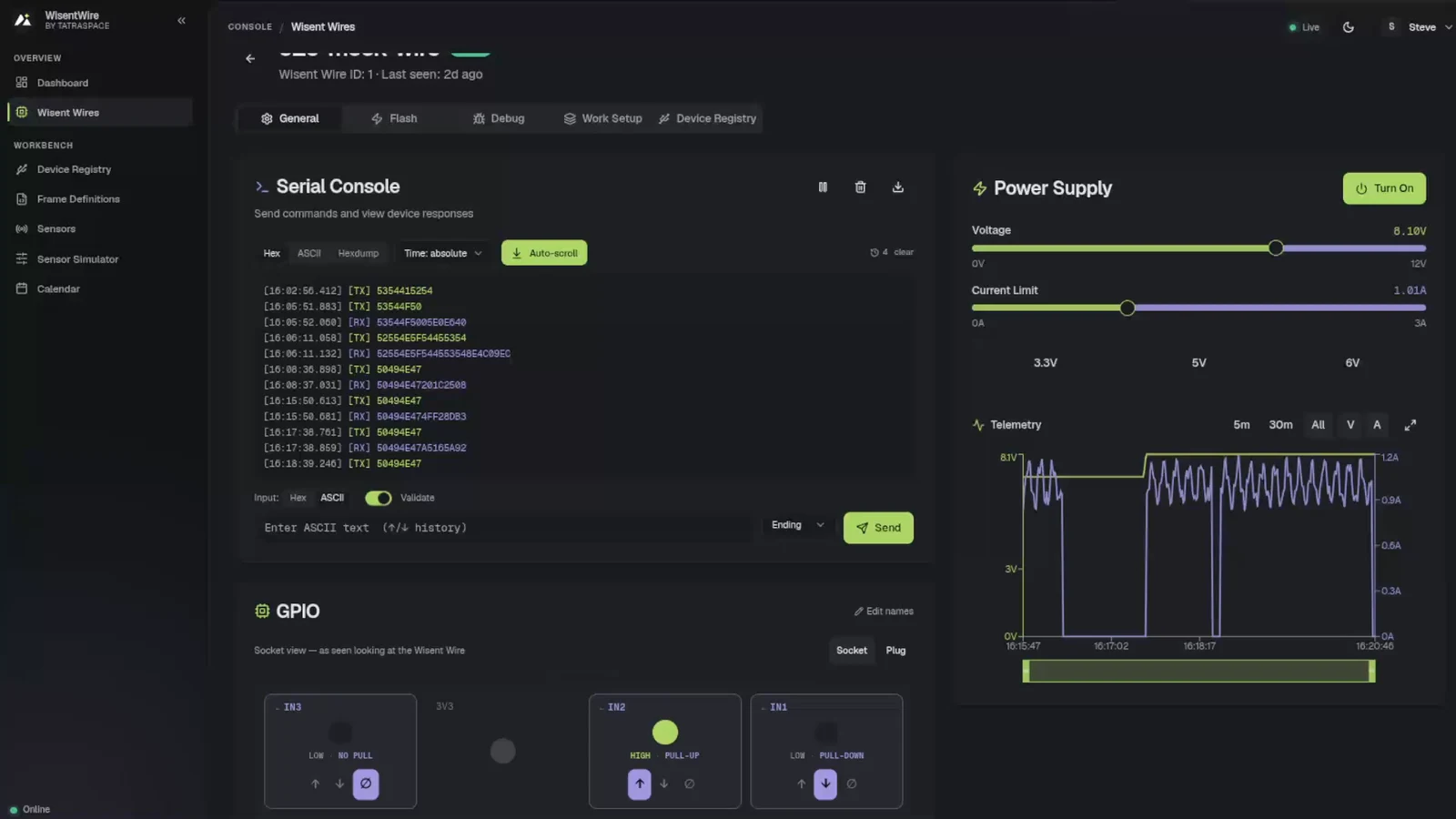
Set the voltage per test. Presets for 3.3, 5 and 6 V, or any value in range. Run at the low end of the battery before your users do.
Settings hold while it runs. Voltage and current limit lock while the supply is on, so nothing changes in the middle of a test.
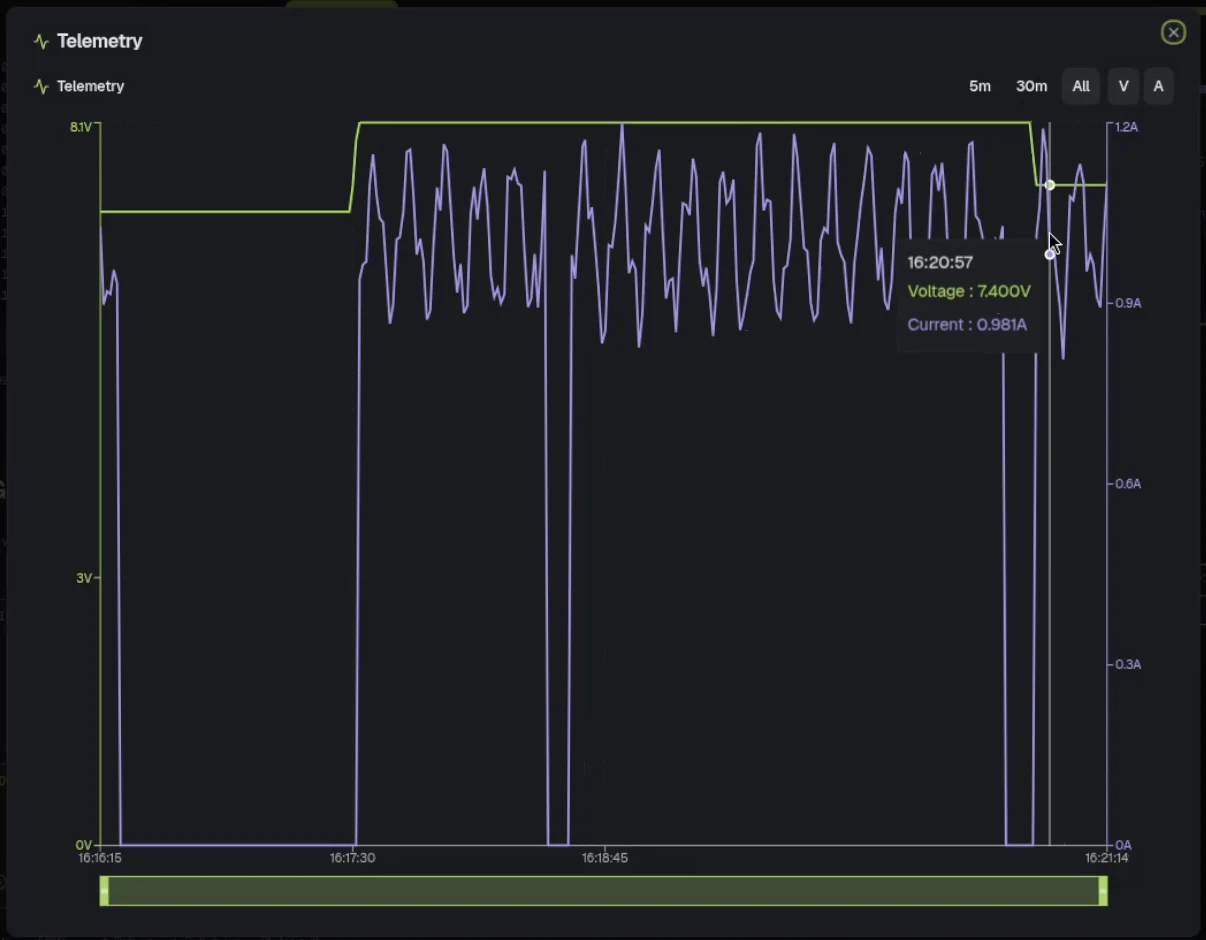
Voltage and current are logged while the test runs. Look at the last five minutes, the last half hour or the whole session, and hover any point for the exact reading.
Power becomes a test result. A board that suddenly draws more in sleep fails the build like any other regression, with the trace attached.
Set a current limit for every test. A wiring mistake or a stuck pin hits the limit instead of burning the only board you have.
CoreUnit drives a programmable bench power supply over USB. Tested with Rigol DP832, KORAD and Siglent SPD1000X.
Hold BOOT low.
Press reset.
Read the LED that says it passed.
Three inputs with pull-up, pull-down or no pull, and three outputs for reset, boot and enable lines. The pins nobody wants to touch by hand, wired once.
Here is what happens when a pull request triggers a hardware test. GitLab CI, GitHub Actions or any other CI drives it through the API, so the runner does not need to be wired to the board. Nobody walks to the lab, and nothing depends on whose desk the board is on.
BookingNo one else can touch the board until the run ends.Debug probe over USBThe binary from this commit, nothing else.Bench supplyAt the voltage the test asks for, with the current limit set.GPIOInto application mode, the same way every time.UART, RS-485, CANSend the commands, read the replies, check every byte.Power and GPIOCurrent draw and status pins checked against the limits.CIPass or fail, with the logs and the power trace attached.The same run can be started from the dashboard, from pytest on a laptop, or by an AI agent over MCP.
CoreUnit is a maintained appliance: the same box on every bench, with the buses built in and nothing to assemble or script. Plug it into Ethernet and choose where the software runs.
Cloud. Reach every bench from anywhere. We host the dashboard and keep it up to date.
On-premise. The full app on your own servers, with roles and an audit log.
Self-hosted. Free and feature-limited: the CLI, the Python SDK and the MCP server on one machine, for a single user, without the web dashboard.
A board on the network changes the day of everyone who depends on it, not only the person who wired it.
Flash, debug and test on the real board from wherever you work, instead of waiting for your turn at the bench.
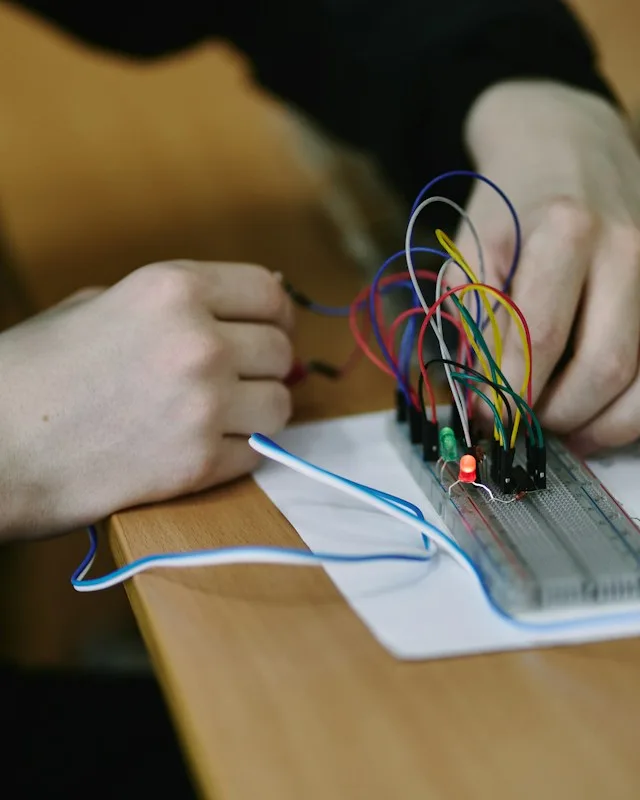
Validate every new board revision yourself, without waiting for a firmware engineer to write the test.
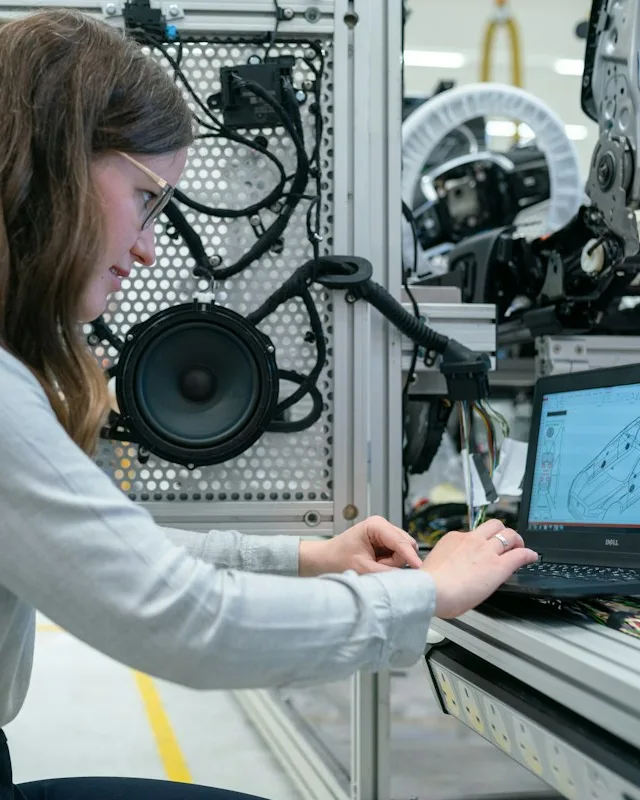
Run the same hardware tests on every commit and every unit, with the logs and power trace of each run kept as evidence.
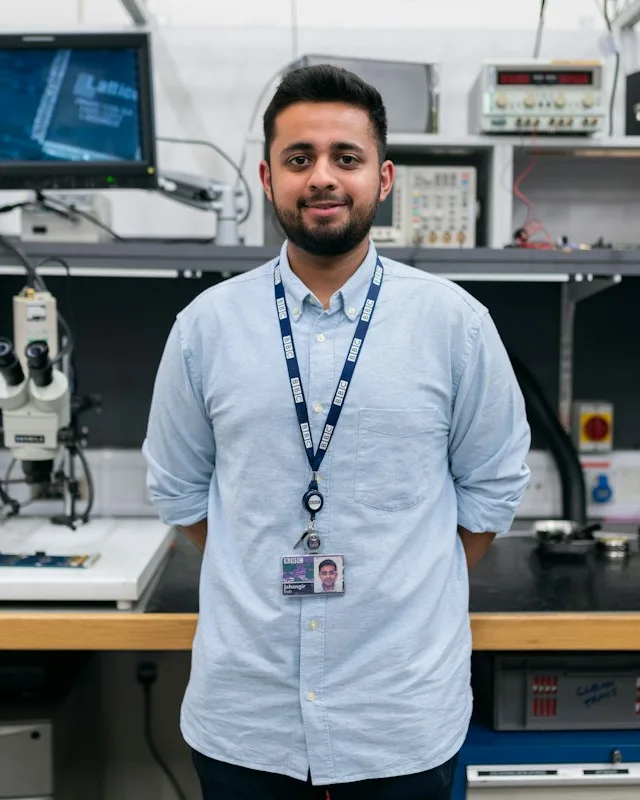
Share a handful of prototypes across sites and time zones, without buying a bench for every engineer.
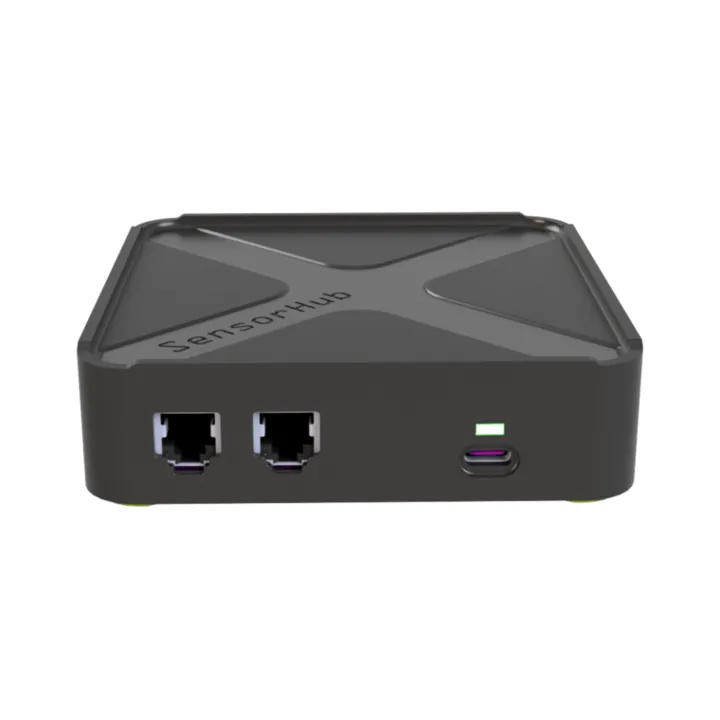
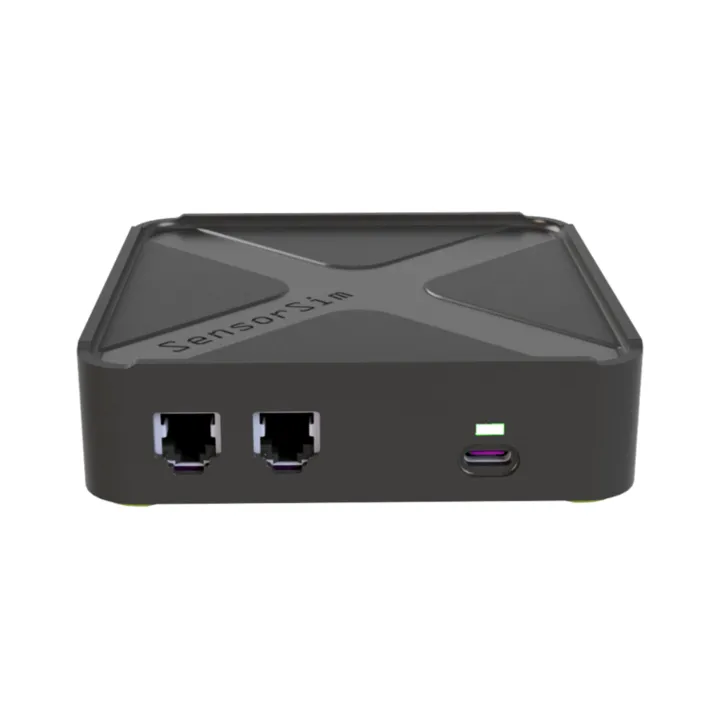
Both modules stack on a CoreUnit and appear in the same dashboard. Start without them and add one when a test calls for it.
€649 per CoreUnit, one-time, uses bench-days from a paid plan
We host the dashboard. Professional support in building test setups.
Buy nowQuoted for your setup
The full app on your own servers.
Get a quoteFree software, feature-limited
The CLI, Python SDK and MCP server on one machine.
Buy nowBoth are benches in the same dashboard and draw on the same bench-days, and a CoreUnit needs a paid plan. CraftWisent is software for the Linux PC already on your bench. CoreUnit is the box for what a PC cannot do.
€649 one-time, uses bench-days from a paid plan
A maintained appliance on your network.
Buy nowFree to start Launching 1 December · Linux only
Bring the setup you already have.
Start freeSensorHub and SensorSim stack on a CoreUnit and do not attach to CraftWisent benches. Explore CraftWisent
Anything else? Email the team.
Under 30 minutes for a first board: connect the CoreUnit, wire up the target, and it shows up ready to power and flash.
Our own demos run on STM32 and MSP430. Other targets, such as AVR and SAM or ESP32, go through probe-rs, OpenOCD or J-Link with the probe you already use: J-Link, ST-LINK, CMSIS-DAP, Atmel-ICE or a generic USB probe. Using something else? Ask us and we will check it.
CraftWisent is enough when your tests need power control, serial or CAN through USB dongles, flashing and debugging: it runs on the Linux PC already on your bench and launches on 1 December. You need a CoreUnit for GPIO, PWM, DAC and signal generation, and as the base for SensorHub and SensorSim.
No. On-premise runs the full app on your own servers, with roles and an audit log, and is quoted for your setup. Self-hosted is free and feature-limited: the CLI, the Python SDK and the MCP server on one machine, for a single user, without the web dashboard.
Yes. WisentWire ships with an MCP server, so Claude, Cursor and other agents can flash firmware, switch power and run tests on real hardware.
Start free with an account, buy CoreUnits or a paid plan, get a quote for on-premise, or spend 30 minutes with an engineer driving a real CoreUnit on our bench from your own browser.
€0 no card, 5 bench-days a month
€649 per CoreUnit, one-time
Free, with one of our embedded engineers