

SensorHub
Real sensors.
In every test.
SensorHub reads the analog and digital signals on your bench and records them next to every test run, so a result shows what the hardware actually did.
SensorHub is in development. Add it to your quote to reserve an early-access unit.
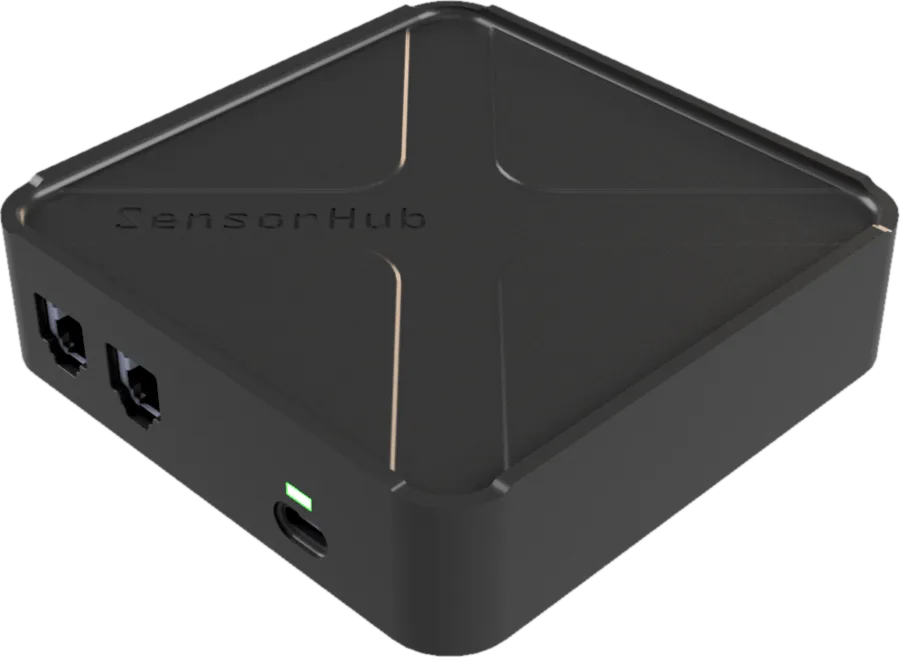
Firmware can report anything.
Sensors don’t lie.
A log line says the fan turned on. A temperature that keeps climbing says it did not. SensorHub puts the physical world next to the console, so a test checks the outcome, not the claim.
Measure, don’t trust. Assert on what a sensor measured, not on what the firmware printed.
Catch the quiet failures. A sagging rail or a slow sensor shows up even when every log line looks fine.
One timeline. Sensor readings, the serial log and the power trace share the same clock.
Every reading,
on the record.
Signals are recorded for the whole run and kept with it. Zoom into the second something changed, or compare two runs side by side.
Analog inputs. Voltages from temperature, pressure, current and other sensors.
Digital inputs. Fan tachos, limit switches, alarm lines.
Saved with the run. Every reading stays attached to the test result, ready to download.
Stacks on a CoreUnit.
Nothing else to install.
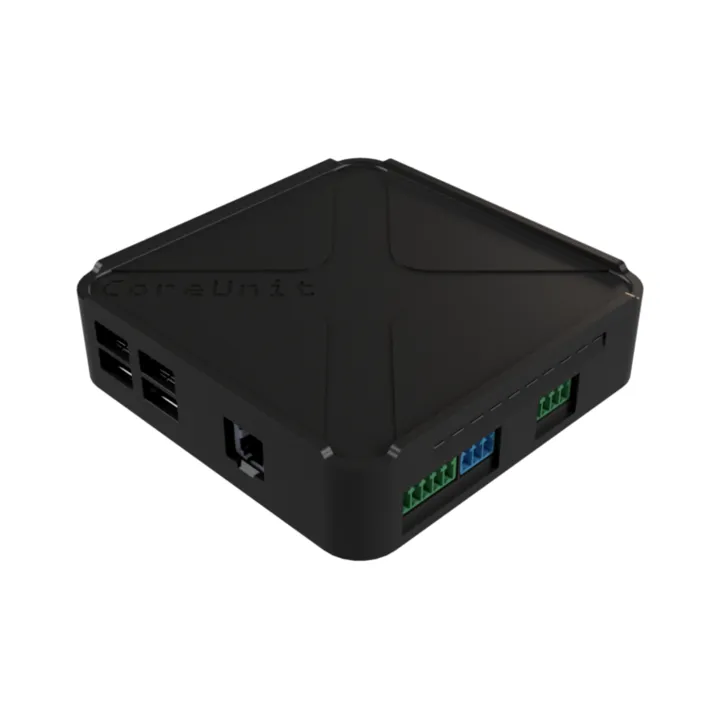
The module sits on top of a CoreUnit and shows up in the same dashboard, the same API and the same booking. One stack per device under test.
Real-world data
in your pipeline.
The same readings are available from the API and the Python SDK, so a CI job can fail a build when a sensor says the hardware misbehaved.
Assert on measurements. Fail the build when a temperature, a voltage or a pin goes out of range.
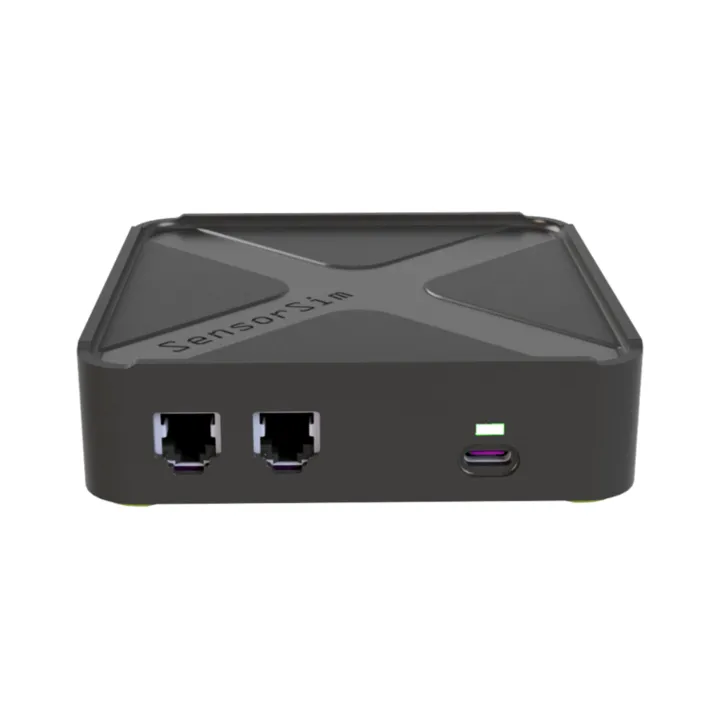
Hybrid tests. Feed real readings from SensorHub and simulated ones from SensorSim into the same scenario.
Evidence on failure. A red build comes with the sensor trace that explains it.
Tech specs
Full specifications come with the first production units. Tell us which sensors you need to read; early-access requests shape the first batch.
SensorHub questions
Anything else? Email the team.
Do I need a CoreUnit?
Yes. SensorHub stacks on a CoreUnit, which connects it to the dashboard and your tests.
Which sensors can I connect?
SensorHub is in development, so the list of sensor types, signal levels and connectors is not final yet. Tell us what you need to read, and we will tell you whether the first batch covers it.
Can I use it together with SensorSim?
Yes. Stack both on one CoreUnit to mix real and simulated signals in the same test.
Test what the board does.
Not what it says.
Add SensorHub to your configuration, or book 30 minutes with an engineer to talk through the signals you need to capture.
Add SensorHub
Early access price on request
- Stacks on any CoreUnit
- Readings in the dashboard, API and SDK
- Pair it with SensorSim for hybrid tests
- Onboarding from our engineers
Book a 30‑min live demo
Free, with one of our embedded engineers
- See live sensor data from a real board
- Bring your sensors and we check the fit
- Plan a hybrid setup with SensorSim
- Questions answered by the people who built it